
Scan QR Codes for Instant Chat on iPhone
Overview
WhatScan: QR Scan DirectChat is a free iPhone application designed to enable instant communication through QR code scanning. Developed by Vivek Warde, the app falls within the social networking category and offers a streamlined method for users to connect directly via chat by simply scanning a QR code. It is tailored for individuals seeking a fast, no-registration approach to peer-to-peer messaging, particularly in settings such as events, meetups, or informal group interactions.
The app functions as a lightweight utility that eliminates the need for traditional account creation or app installation on both ends. Instead, it relies on QR code technology to establish a direct chat connection between two devices. This makes it ideal for users who value privacy, speed, and minimal setup. While the developer has not provided detailed information about the app’s underlying architecture or data handling, its core purpose remains focused on simplifying direct communication through visual code scanning.
Given its release date of August 23, 2019, and version 1.0, the app appears to be a stable but unupdated solution. It requires iOS 12.1.2 or later, ensuring compatibility with most modern iPhone models. The application is available exclusively in English and is distributed through Softonic.
Key Features & Capabilities
- QR Code-Based Chat Initiation – Users can generate or scan QR codes to instantly start a direct chat session without requiring usernames, passwords, or app installations.
- Peer-to-Peer Communication – The app enables real-time messaging between two devices connected through a scanned QR code, ideal for quick exchanges in social or professional environments.
- Lightweight Design – At 13.4 MB, the app is compact and efficient, minimizing storage use on iPhone devices.
- Language Support – The software is available only in English, which may limit accessibility for non-English speakers.
- One-Click Connection – Scanning a QR code triggers an immediate chat session, reducing friction in the user onboarding process.
Real-world applications include networking at conferences, sharing contact details in business settings, or connecting with friends during casual gatherings. The lack of account registration makes it suitable for temporary or anonymous interactions. However, the absence of user profiles or message history features suggests the app is optimized for single-use or short-term conversations rather than long-term communication.
User Interface, Workflow & Performance
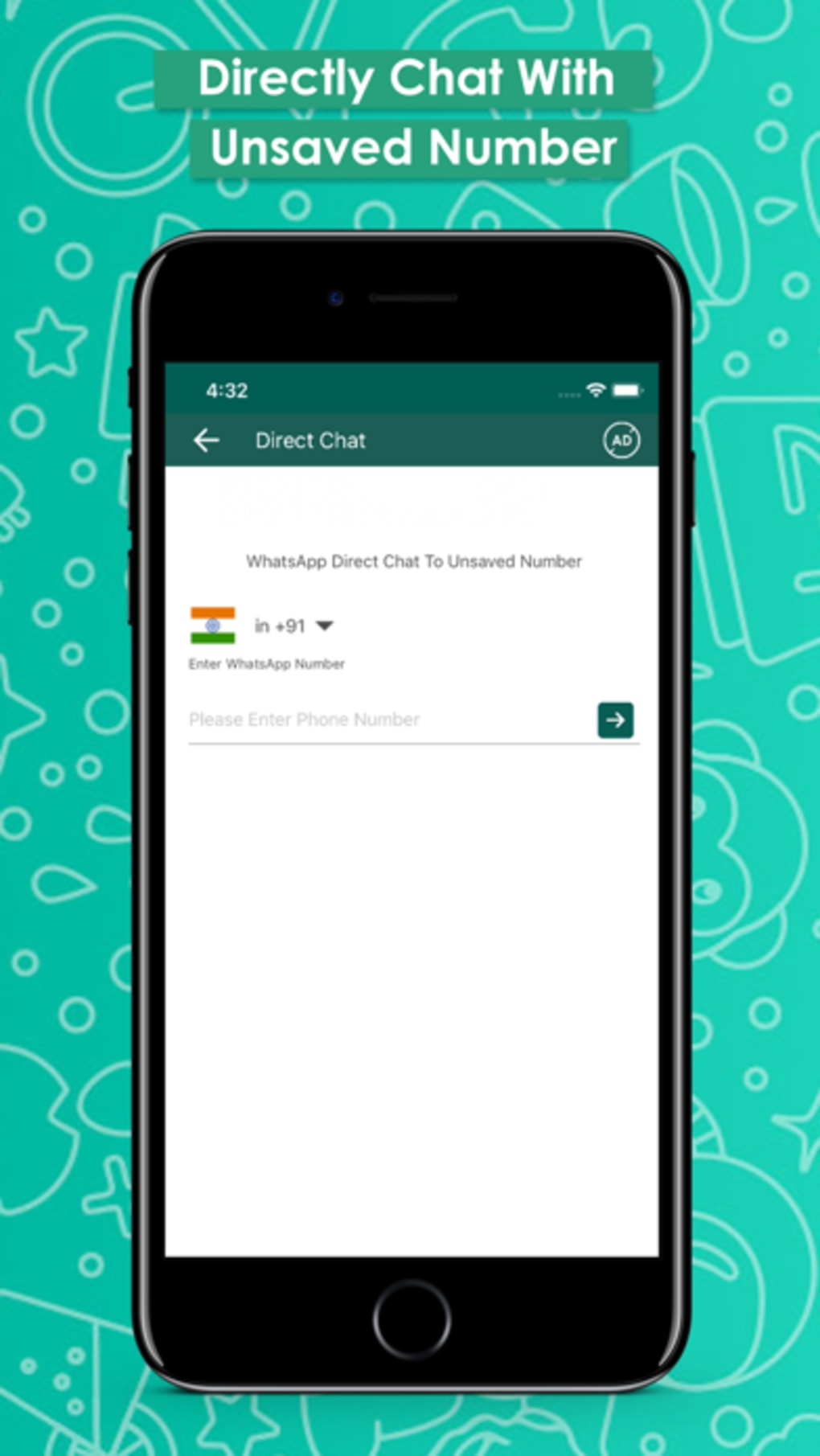
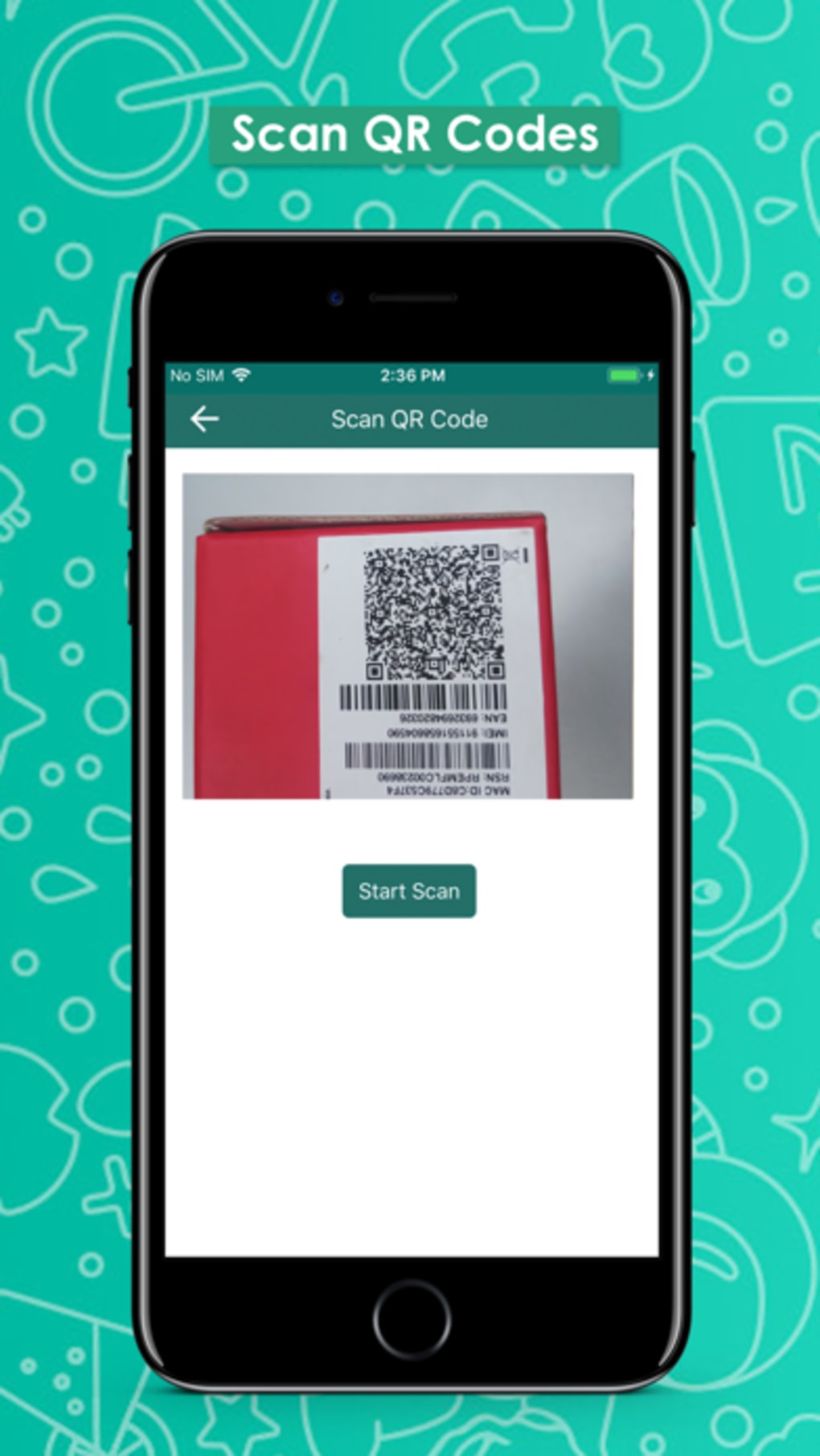
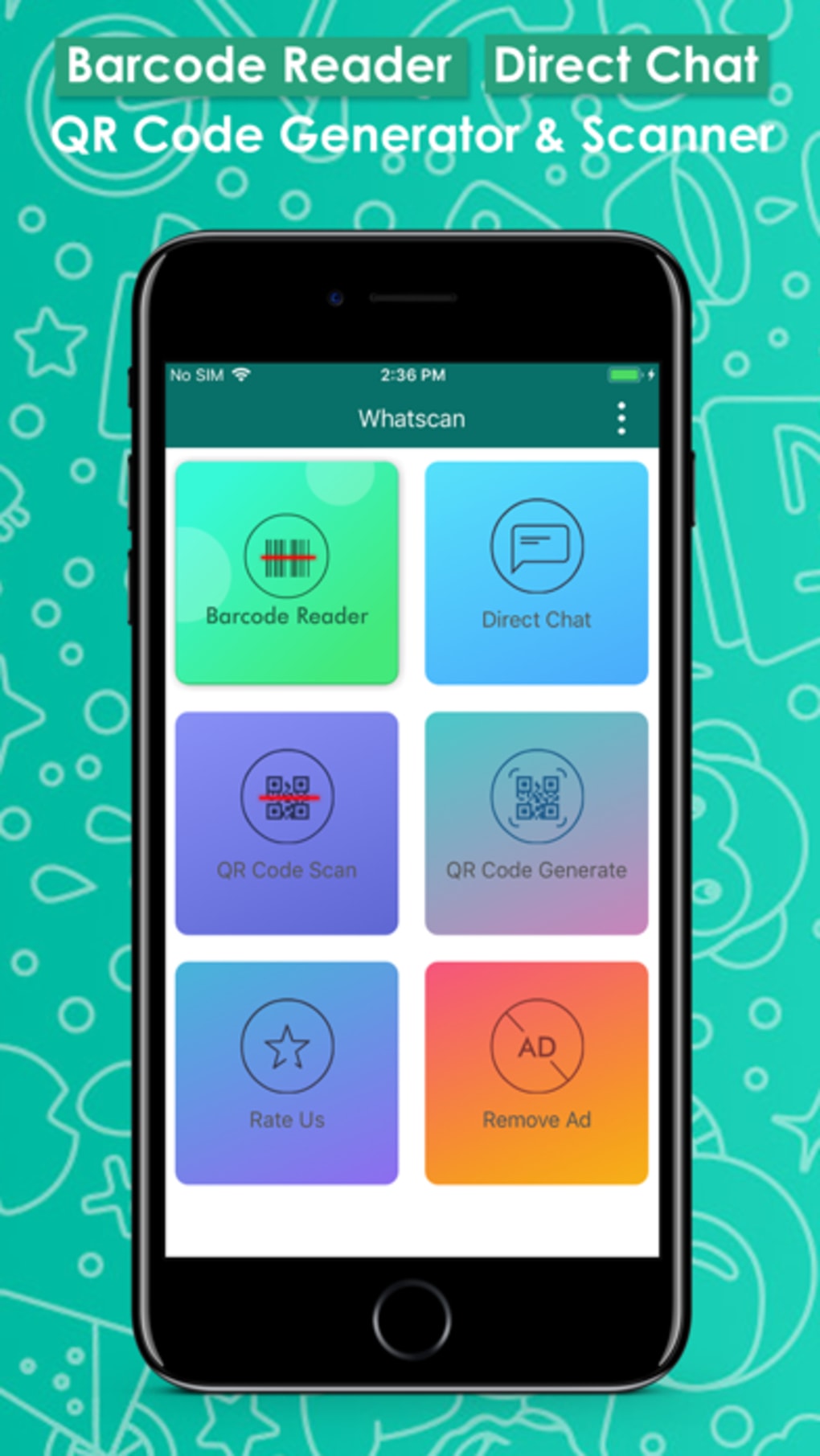
The user interface of WhatScan: QR Scan DirectChat is designed with simplicity in mind, focusing on core functionality—scanning and initiating chats. Navigation is likely linear, with a central camera view for QR code detection and minimal on-screen controls. The workflow follows a clear sequence: open the app, point the camera at a QR code, and tap to connect. This design prioritizes speed and ease of use, aligning with the app’s purpose of instant communication.
Performance details were not specified by the developer. However, given its lightweight size and the nature of QR code scanning, it is expected to operate efficiently on supported iPhone models. The app does not require constant background processes, which helps preserve battery life and system resources. Stability is assumed to be consistent with standard iOS app behavior, though no user feedback or crash reports are available in the provided data.
Resource usage, including CPU and RAM consumption, was not disclosed. General software behavior suggests minimal impact on device performance. The app may not support offline chat functionality, as its primary function relies on active scanning and real-time connection.
Compatibility & System Requirements
WhatScan: QR Scan DirectChat is designed exclusively for iPhone devices and requires iOS 12.1.2 or a later version. This ensures compatibility with a wide range of iPhone models released from 2017 onward, including the iPhone 8, iPhone X, and newer models. The app is not available for iPad, Mac, or other platforms.
The installation size is 13.4 MB, making it a low-storage footprint application. This is beneficial for users with limited device space. The developer did not provide additional system requirements, such as minimum RAM or processor specifications. As such, exact hardware compatibility beyond iOS version is not documented.
Users should note that the app is only available in English. No localization or language customization options are mentioned. Platform compatibility information is limited to iPhone and iOS 12.1.2 or higher.
Pros and Cons
Pros
- Instant chat initiation via QR code scanning
- Lightweight at just 13.4 MB
- No registration or account creation required
- Simple, intuitive interface focused on core functionality
- Free to download and use
Cons
- Only available in English
- No support for message history or offline access
- App has not been updated since 2019
- Limited to iPhone and iOS 12.1.2 or higher
- No information on data security or encryption practices
FAQ Section
Is WhatScan QR Scan DirectChat available for iPad or Mac?
The app is designed exclusively for iPhone and is not available on iPad, Mac, or other platforms.
Can I use the app without an internet connection?
While the app may function locally for QR code scanning, direct chat initiation requires an active internet connection to establish a connection between devices.
Is the app safe to use?
The developer did not provide information on data encryption or security protocols. Users should exercise caution when sharing sensitive information through the app.
How often is the app updated?
As of the release date in 2019, the app has not received any updates. The current version remains 1.0.
What type of license does the app have?
WhatScan: QR Scan DirectChat is distributed as free software with no cost for download or use.
Final Thoughts + CTA
WhatScan: QR Scan DirectChat offers a unique, no-frills solution for instant peer-to-peer communication through QR code scanning. Its lightweight design, lack of registration, and focus on speed make it a practical tool for temporary or one-off chats in social or professional settings. While the app’s age and lack of updates raise concerns about long-term support and compatibility with newer iOS versions, it remains functional for users with compatible devices.
For individuals who value privacy, simplicity, and quick connections without account creation, this app delivers on its core promise. However, users seeking advanced features like message history, group chats, or cross-platform support should consider alternatives.
Download WhatScan QR Scan DirectChat now







